Staying Connected: eSIM, Pocket Wi-Fi or Roaming?
You will use maps and translation constantly, so this is infrastructure rather than a convenience. Four options compared on real prices, with the one that suits families and the one that suits everyone else.
 Signpost Japan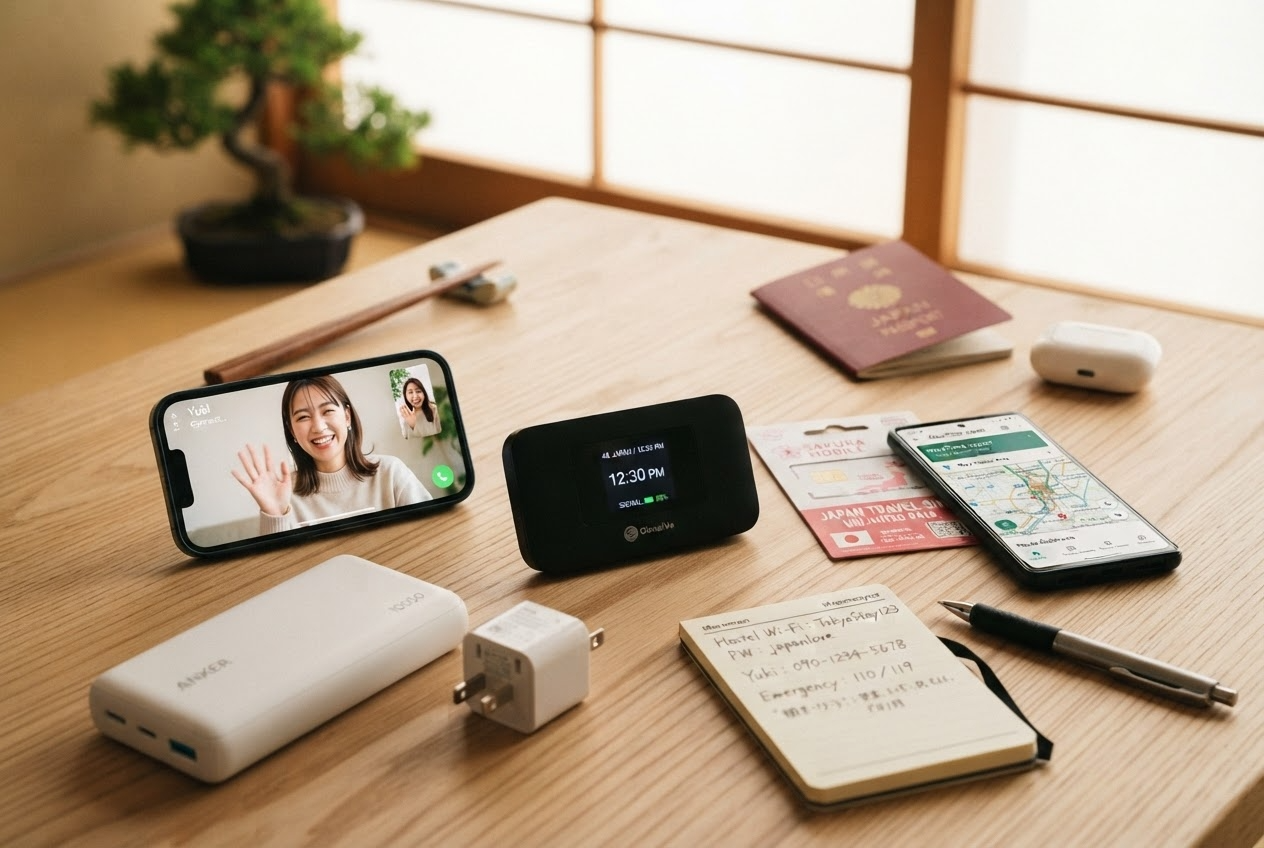
Data in Japan is not a nice-to-have. Every route you take, every restaurant you find and every sign you cannot read runs through your phone. Sort this before you fly and the country becomes navigable; leave it to the arrivals hall and you will pay twice as much for something worse.
At a glance
- Most people
- eSIM, bought online before flying. Works the moment you land.
- Families and groups
- One pocket Wi-Fi device shared between everyone
- Short trip, big allowance
- Your own carrier’s roaming day pass, if it is capped
- Rough cost
- eSIM 1,500–4,000 JPY for two weeks. Pocket Wi-Fi 700–1,200 JPY a day.
- Free Wi-Fi
- Widespread but weak. Fine as a backup, not as a plan.
The four options
| Cost, 2 weeks | Setup | Best for | |
|---|---|---|---|
| eSIM | 1,500–4,000 JPY | Online, before you fly | Almost everyone |
| Physical SIM | 3,000–6,000 JPY | Airport counter or online | Phones without eSIM support |
| Pocket Wi-Fi | 10,000–17,000 JPY | Rent, collect, return | Families, groups, laptop users |
| Carrier roaming | Varies wildly | Nothing | Short trips with a capped day rate |
eSIM — the default answer
If your phone supports eSIM — every iPhone from the XS onward, and most flagship Android handsets from about 2020 — this is the right choice for a solo traveller or a couple.
You buy a data plan online before you leave, scan a QR code, and it activates when you land. There is no counter to find, no device to return, no deposit, and your home number keeps working for calls and messages on your physical SIM.
What to look for:
- Data allowance. Maps, translation and photo backup use more than you expect. 1GB a day, or 10–20GB for two weeks, is comfortable. 500MB a day is tight.
- Which network it uses. Japanese eSIMs run on NTT Docomo, SoftBank or KDDI au. All three have good coverage; Docomo is generally strongest in rural and mountain areas.
- Whether tethering is allowed. Some cheap plans block it. If you want to use a laptop, check.
Check your phone supports eSIM and is unlocked
On iPhone, Settings › General › About and look for an EID number. On Android, Settings › Network › SIMs. A carrier-locked phone will not work.
Buy the plan a day or two before you travel
Not weeks — some plans start counting from purchase rather than activation. Read which.
Install the eSIM while you still have Wi-Fi at home
Scan the QR code. Installing needs an internet connection; activating does not.
Leave it switched off until you land
Then enable the data line and turn on data roaming for it. It connects within a minute or two.
Set your home SIM to voice only
So it does not quietly roam on its own tariff in the background.
Physical SIM
Still useful if your phone has no eSIM support. Sold at airport counters and by machine, and available online for delivery to your hotel.
The trade-offs: you have to remove and store your home SIM, you lose your home number for the trip, and airport counter prices are noticeably higher than online. Most Japanese visitor SIMs are data-only with no voice line.
Pocket Wi-Fi
A small rented router providing Wi-Fi for up to about ten devices. Collect it at the airport or have it delivered to your first hotel; return it in a prepaid envelope at any post box.
This is the right choice for families and groups. Four people sharing one device at 900 JPY a day is cheaper per head than four eSIMs, and it gives laptops proper connectivity.
The costs are real, though: it is another thing to carry, another thing to charge — battery life is typically 8–12 hours, so bring a power bank — and another thing that must be returned or you are billed for it. And if one person walks off with the router, everyone else is offline.
Carrier roaming
Worth checking before you dismiss it, particularly for short trips.
Several operators — notably in the UK, EU and Australia — include Japan in an inclusive roaming allowance or offer a capped day rate. If your plan gives you a few gigabytes at no extra cost, that beats everything else on convenience.
Check three things: whether Japan is actually included (many “worldwide” plans exclude it), the daily cap, and the throttling speed after the allowance. US carriers in particular often include Japan at 2G speeds, which is unusable for maps.
Free Wi-Fi
Available and mediocre. Convenience stores, stations, airports, many cafés and most hotels offer it. Coverage in cities is decent; in rural areas it is essentially absent.
Most public networks require an email registration or a browser sign-in, disconnect frequently, and are not encrypted. Treat free Wi-Fi as a fallback for downloading something large in a hotel, not as your connection strategy.
What you will actually use it for
- Google Maps, constantly. Japanese rail routing on Google Maps is excellent and includes platform numbers and which car to board.
- Google Translate, with the camera. Pointing it at a menu or a sign works well enough to be genuinely useful, and the Japanese offline pack is worth downloading before you go.
- Restaurant hours and closures. Small Japanese restaurants close unpredictably and often list hours only on Google or a Japanese review site.
- Train delay and typhoon information, which is announced online well before it reaches an English sign.
Before you fly
Download offline maps
Google Maps lets you save regions. Do Tokyo, Kyoto and anywhere rural you are visiting.
Download the Japanese language pack in Google Translate
Camera translation then works without a connection.
Screenshot your bookings
Hotel addresses in Japanese, flight details, Visit Japan Web QR codes. Taxi drivers can read a Japanese address off a screen.
Pack a power bank
Navigation and translation are the two heaviest battery drains, and you will be out for twelve hours.
Questions people actually ask
How much data do I need for two weeks?
10–20GB is comfortable for maps, translation, messaging and moderate photo uploads. If you plan to upload video, get an unlimited plan or use hotel Wi-Fi.
Can I make phone calls?
Most visitor eSIMs and SIMs are data-only. Use WhatsApp, LINE, FaceTime or similar. Keeping your home SIM active for voice, with data disabled, covers the rare case where a hotel needs to ring you.
Is pocket Wi-Fi worth it for one person?
Rarely. An eSIM costs a fraction as much and there is nothing to carry, charge or return.
What if my eSIM does not connect on arrival?
Check data roaming is enabled for that line, then restart the phone. If it still fails, most providers have chat support, and airport Wi-Fi is enough to reach them.
Do I need a Japanese phone number?
Only for restaurant reservation systems and some app-based services. Hotels and tours accept email. Visitors manage fine without one.
Is coverage good in the mountains?
Better than most countries, but not universal. Deep valleys, hiking trails and some rural bus routes have no signal. Download offline maps before heading into the Alps or the Kumano Kodo.
Keep planning

Japan with Children: What Works, and What to Skip
Japan is one of the easiest countries in the world to travel with children, with two exceptions: hotel rooms are sized for…
Where to Stay in Kyoto: The Five Areas, and the New Lodging Tax
Kyoto is a city you see before nine in the morning, which makes where you sleep matter more than it does in…

Where to Stay in Tokyo: Which Area, and What a Night Costs
In Tokyo you are not choosing a neighbourhood so much as a station. Six areas that work for a first trip, what…